MyEducation BC Information
All students, parents and legal guardians have their own account. Please see the attachments below for instructions on how to log in, navigate and use this platform.
https://sd38.bc.ca/news/2025-12-09/myed-parent-portal-instructions-access
The MyEdBC weblink to log in is: https://www.myeducation.gov.bc.ca
When you arrive at the home page you will see the log in window.
Follow the directions below to complete the account activation:
With your Login ID and Password.
*Ensure you download interims and report cards as they are only accessible for a limited time**
Please to remember to log into your account once in a while since the MyEd accounts reset after 90days of inactive use.
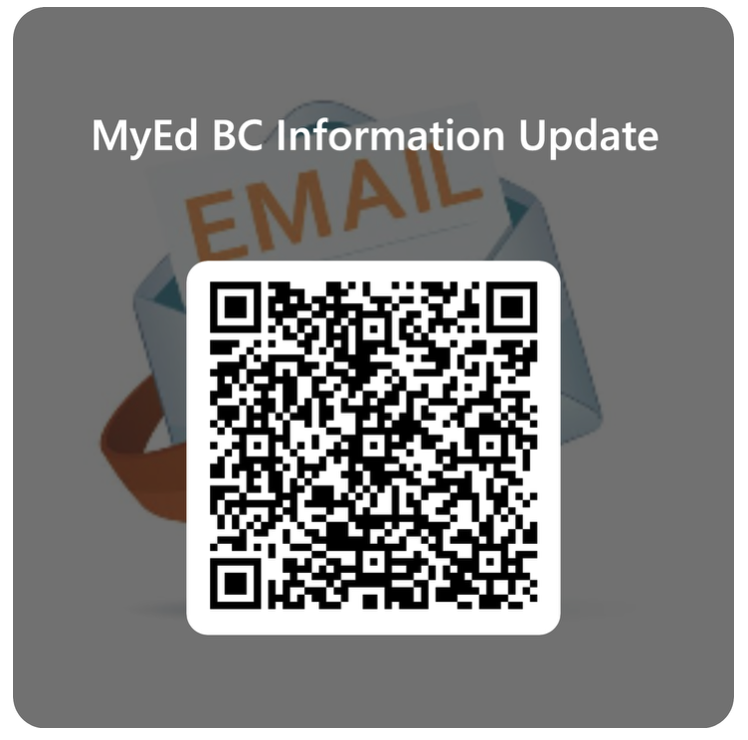
You can now reset your MyEducation account by scanning the QR code on the office door or access it through the link below
Password Recovery Options
- If you have forgotten your password please use the Password Recovery option first.
- Please contact us through macneill@sd38.bc.ca to manually get it reset.